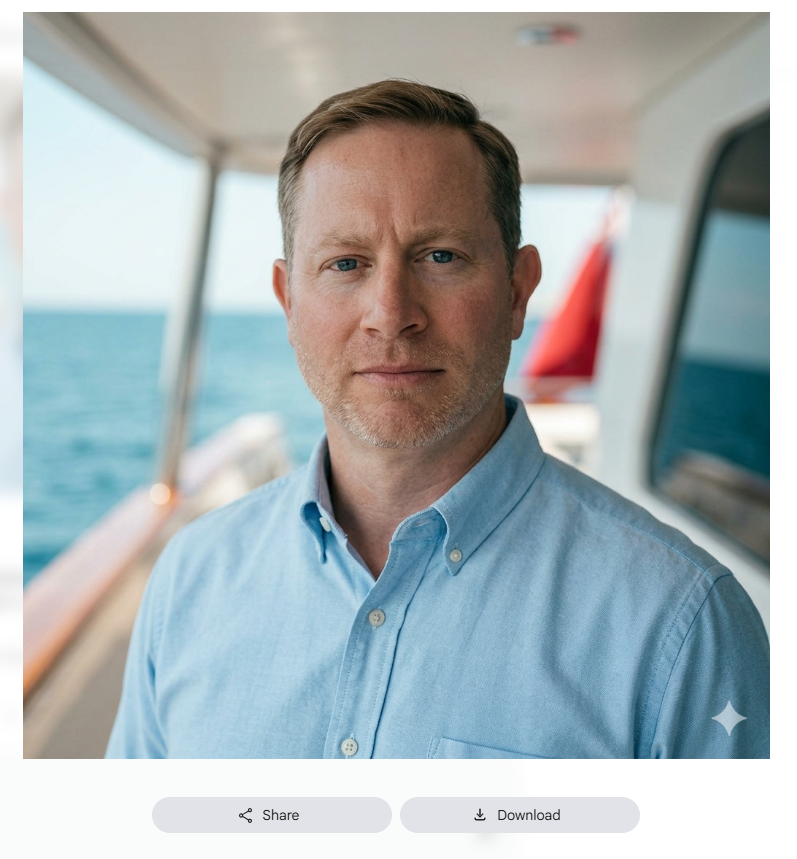
Generate a 1:1 ultra-realistic 4k professional headshot utilizing the following camera and lighting instructions and keep the person’s face exactly the same.
Follow all instructions below for poses, lighting, clothing and style.
Overall Style
This is a:
- Environmental portrait/headshot
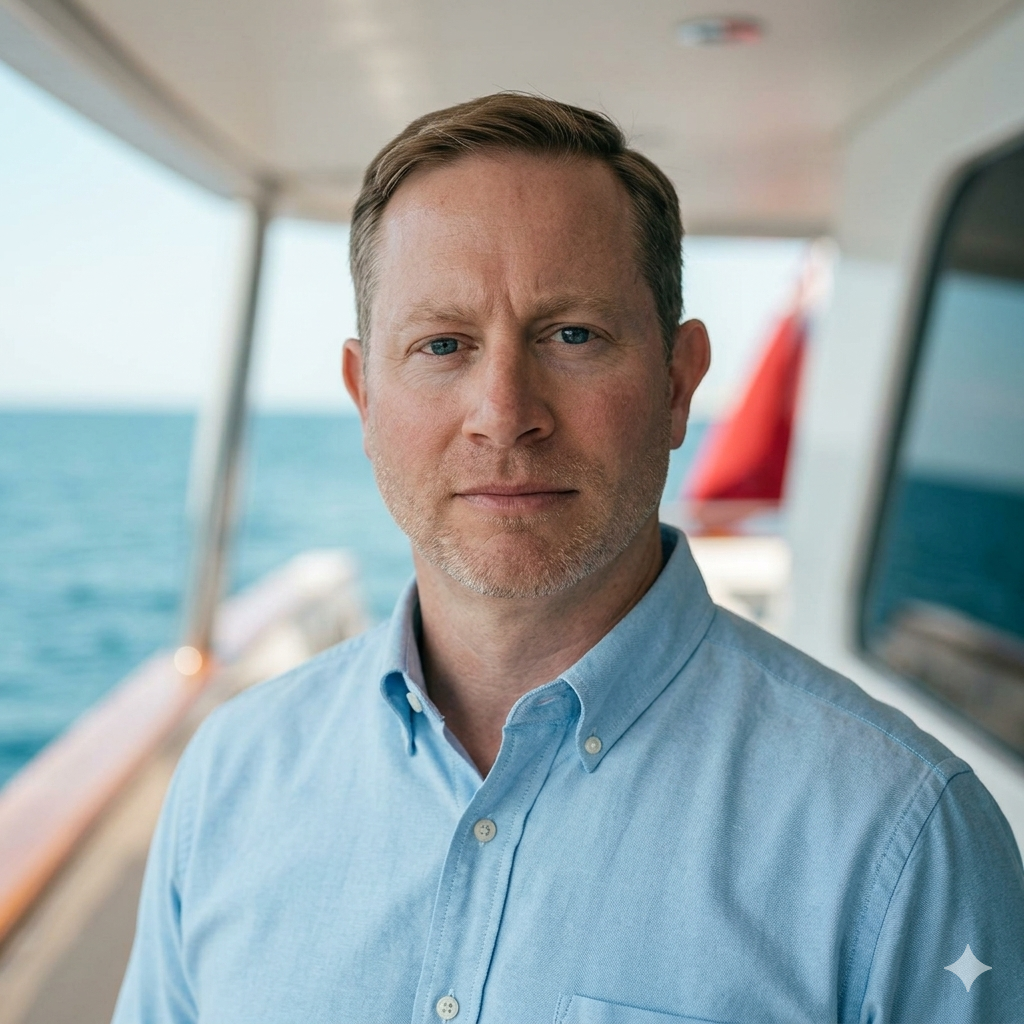
- Shot in natural daylight
- Likely taken on a boat or yacht deck
- Designed with:
- shallow depth of field
- centered framing
- soft cinematic tones
- calm confident expression
- subtle luxury/lifestyle aesthetic
Camera Settings
Full-Frame Mirrorless
- Sony A7 IV / A7R series
- Canon R5 / R6
- Nikon Z6/Z8
- Fujifilm GFX or X-series possible but less likely
Lens Range
- 50mm f/1.4
- 85mm f/1.8
- 70–200mm around 85–135mm
Exposure Settings
Aperture
f/1.8 – f/2.8
Shutter Speed
1/500 – 1/2000
ISO
ISO 100–200
White Balance
Daylight or Cloudy WB
Lighting Analysis
Primary Light Source
Natural daylight.
- standing under partial overhead cover
- facing open sky light
Lighting Direction
Light is coming:
- front-left relative to camera
- slightly above eye level
Composition Breakdown
Crop
- Landscape orientation
- Medium close-up portrait
Framing:
- chest-up crop
- eyes placed slightly above center line
Camera Height
Camera is: Exactly eye level
Subject Distance
Photographer: 6–10 feet away
Combined with: 85mm focal length
Pose Analysis
Head Position
- Slightly tilted down
- Chin subtly forward
Shoulders
- Slightly angled
- Not square to camera
Expression
Mood:
- calm
- confident
- composed
- understated
Key details:
- relaxed forehead
- neutral mouth
- direct eye contact
- no exaggerated smile
Clothing Analysis
Shirt
Light blue Oxford button-down.
Top button undone
Background Design
The background intentionally includes:
- water
- yacht architecture
- blurred red structure element
Color Grading
Characteristics
- Soft contrast
- Lifted shadows
- Slight teal/cyan environmental tones
- Warm skin tones
- Muted saturation
Editing Workflow
Basic Adjustments
- Lower contrast slightly
- Raise shadows
- Lower highlights
- Slight warmth increase
- Texture reduced slightly on skin
Color Grading
- teal shadows
- warm mids/highlights
Sharpening
Moderate sharpening:
- eyes prioritized
- skin softened naturally
Subject Positioning
Place Subject
- Under shade
- Facing open sky
- Water behind them
- Background 20+ feet away
Editing Recipe
Lightroom Starting Point
Basic
- Exposure: +0.2
- Contrast: -10
- Highlights: -35
- Shadows: +30
- Texture: -5
- Clarity: -5
Color
- Temp: +300 warm
- Vibrance: -5
- Saturation: -5
Color Grading
- Shadows: slight teal
- Midtones: warm orange
- Highlights: neutral warm